Grok Imagine 1.5 Ext Video Generator
Turn a scene in your mind into a short video. Start with text or reference images, then shape the duration, resolution and frame in Create.
Generate in Create after reviewing the credit cost.
One idea. A flexible video canvas.
What is Grok Imagine 1.5 Ext?
Grok Imagine 1.5 Ext creates short videos from a written scene, with optional reference images to guide the result. This page introduces the model; the shared Create workspace holds your controls, drafts and results.
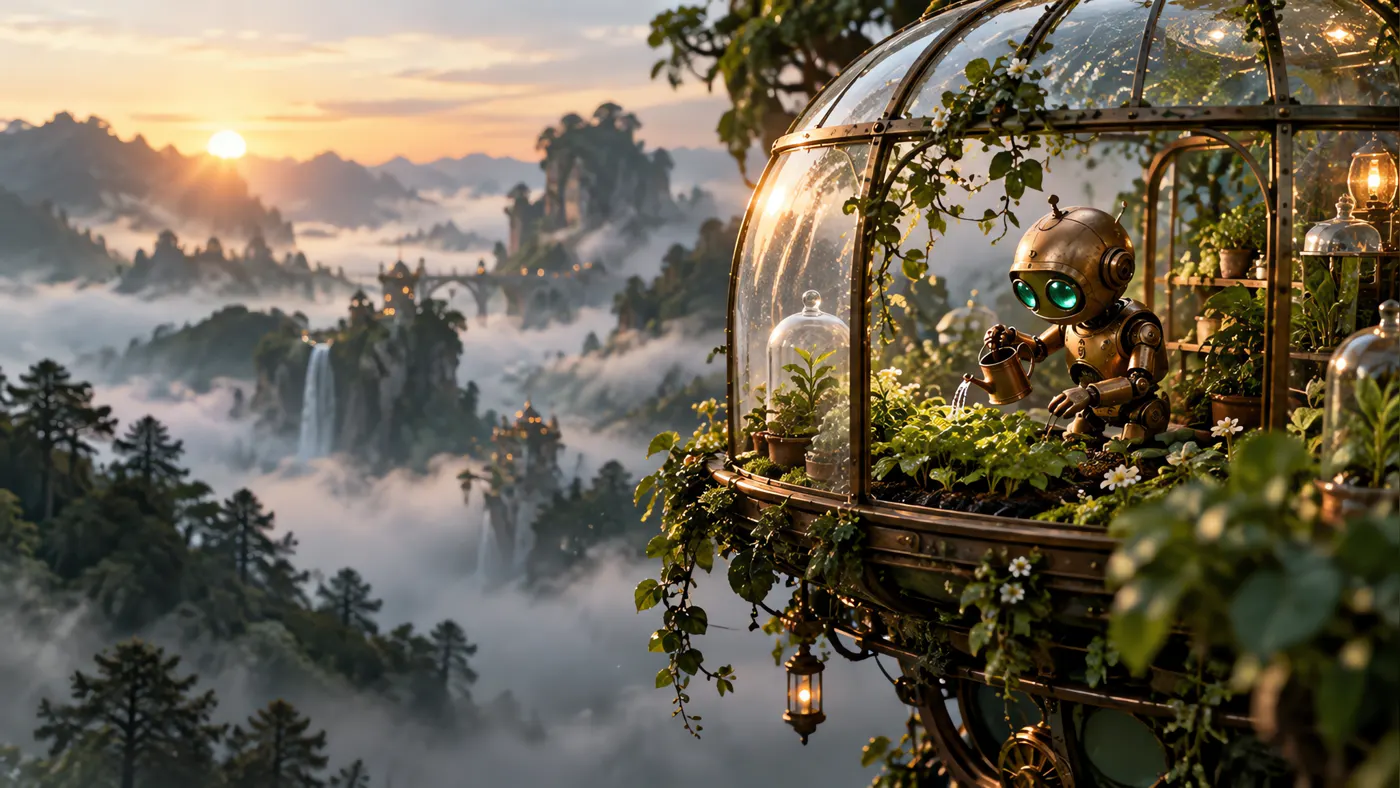
Begin with words. Add visual direction.
Choose the starting point that fits your idea.
Text to video
Describe one clear subject and action, then add camera movement, lighting and atmosphere. Prompts support up to 8,000 characters.
Image to video
Add up to three reference images in Create. This site accepts JPG, PNG and WebP up to 4 MB each; you can preview, replace and remove them before submitting.
Frame the video for its destination.
Start small, then adjust in Create.
The default draft uses 480p, 6 seconds and 16:9. Choose a whole-second duration from 6 to 15, 480p or 720p, and one of five aspect ratios. With reference images, the output framing follows the images.
480p / 720p
Resolution
1:1 · 16:9 · 9:16
Aspect ratios
3:2 · 2:3
Aspect ratios
Make room for your next idea.
Plan a focused clip before building a longer story.
Social clips
Choose a vertical frame and focus on one action.
Product concepts
Use reference images to communicate the visual direction of a product scene.
Story explorations
Try a camera move, a mood or a single moment from a larger scene.
How to use Grok Imagine 1.5 Ext
Continue in Create with your draft.
Describe your scene
Write your idea in Preview and click Generate to carry it into Create.
Shape the draft
Add reference images and choose duration, resolution and aspect ratio in the shared workspace.
Review before generating
Review the credit quote before submitting. Completed videos appear in your history and My Assets.
Grok Imagine 1.5 Ext FAQ
A few things to know before you create.
Which inputs are supported?
Describe one clear subject and action, then add camera movement, lighting and atmosphere. Prompts support up to 8,000 characters. Add up to three reference images in Create. This site accepts JPG, PNG and WebP up to 4 MB each; you can preview, replace and remove them before submitting.
Which video settings can I choose?
The default draft uses 480p, 6 seconds and 16:9. Choose a whole-second duration from 6 to 15, 480p or 720p, and one of five aspect ratios. With reference images, the output framing follows the images.
Can I generate a video now?
Generate in Create after reviewing the credit cost.
Does this page include video extension or editing?
This integration supports text and reference-image generation with Grok Imagine 1.5 Ext. Video extension and video editing are not available here.