Kling 3.0 Omni AI Video Generator
Create coherent 10-second video with text and image direction, then continue in the full Kling 3.0 Omni workspace for frames, Elements, feature video, and storyboards.
What Is Kling 3.0 Omni?
A unified AI video model built for creators who want to direct more than a single shot from a single prompt.
Kling 3.0 Omni brings text, images, reusable Elements, motion references, frames, storyboards, and audio direction into one connected workflow. Instead of forcing every visual decision into a long prompt, you can assign the right kind of reference to each creative choice. This keeps complex ideas readable while preserving practical creative control from shot to shot.
Use the quick start above for a simple idea, then continue in Create when a project needs detailed timing or continuity. Claim free credits from the account menu and spend them on any supported configuration your balance can cover.
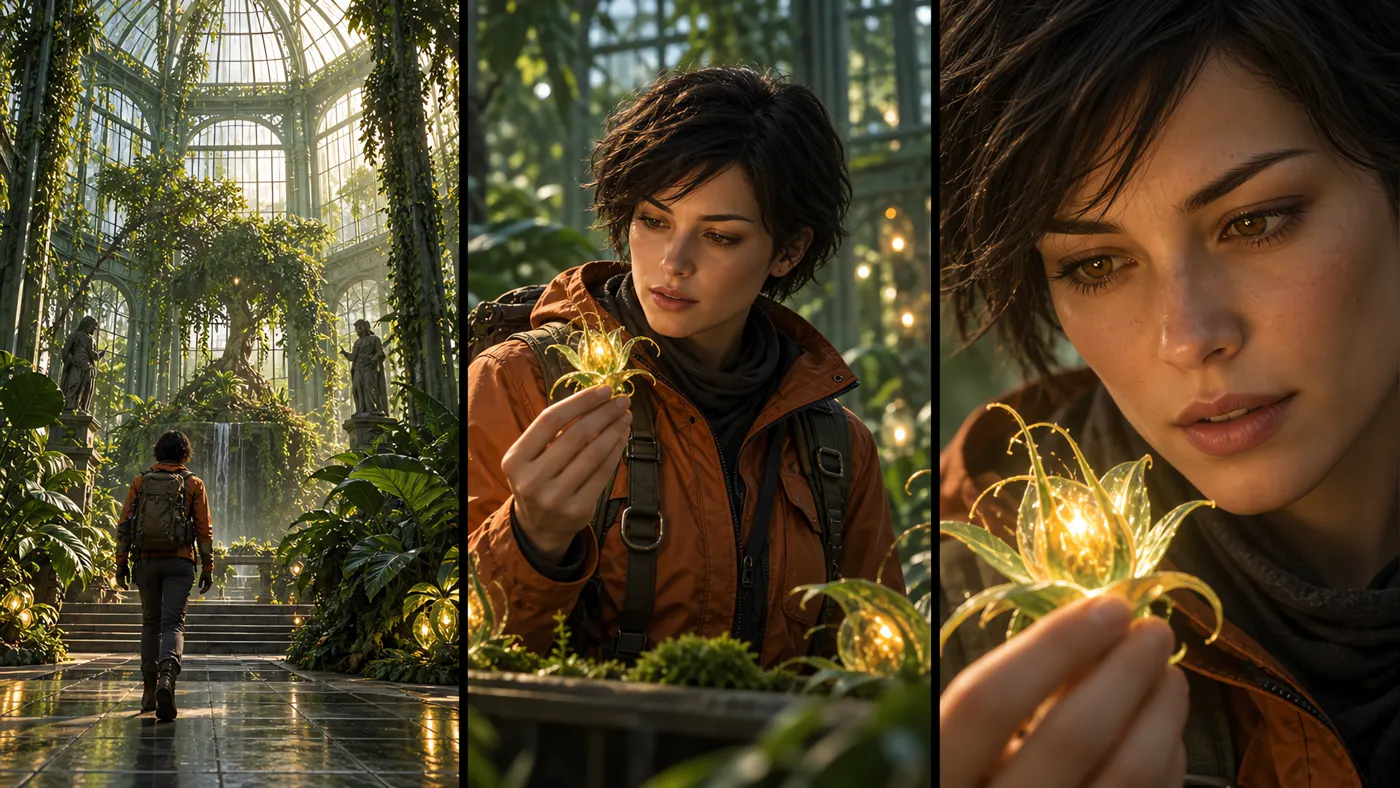
Kling 3.0 vs Kling 3.0 Omni: Which Model Should You Use?
Both models create modern AI video. The practical difference is how much reference control and multi-shot direction your project needs.
| Capability | Kling 3.0 Omni | Kling 3.0 |
|---|---|---|
| Primary workflow | Both models create modern AI video. The practical difference is how much reference control and multi-shot direction your project needs. Unified text, image, video, Element, and storyboard direction | Direct prompt-led text-to-video and image-to-video creation |
| Reference control | Broader multimodal control for identity, motion, frames, and scenes | A simpler path for prompts and standard visual references |
| Character consistency | Elements 3.0 supports reusable people, subjects, and objects | Best suited to shots with fewer recurring reference demands |
| Sequence planning | Storyboard controls can organize several timed shots | Efficient for a focused shot or straightforward sequence |
| Best fit | Campaigns, character stories, product films, and directed edits | Fast ideation, social clips, mood shots, and simple animation |
All-in-One Multimodal Reference
Give each input a clear role, from visual identity and composition to movement and the final frame.
A concise prompt can define intent, action, camera language, pacing, and mood. Reference images anchor appearance; Elements preserve recurring identity; start and end frames guide composition; and a feature video communicates motion that is difficult to describe in words.
Text direction
Describe subject, action, environment, camera, timing, and desired ending.
Reference images
Ground the scene with a person, product, setting, style, or composition.
Start and end frames
Set the opening image, closing image, or both ends of a transition.
Reusable Elements
Keep named characters and objects recognizable across separate shots.
Feature video
Use a short clip when movement and rhythm matter more than a still image.
Elements 3.0
Build reusable character or object references from multiple views, then call them by name inside a prompt or storyboard.
Each Element combines a short description with two to four clear images. A front view should establish the subject, while the remaining views add useful information about face, clothing, shape, materials, logos, or moving parts.
Up to three Elements can support one task. Keep each source set consistent in age, wardrobe, lighting, and product variant so the model is not asked to reconcile conflicting identities.
Two to four views
Use complementary angles rather than repeated versions of the same image.
Named references
Give every recurring person or object a short, unambiguous identity.
Up to three Elements
Direct interactions among several consistent subjects in one sequence.
Prompt-ready identity
Reference the same Element in prompts and custom storyboard shots.
Continuity by design
Preserve the details that must survive changes in action and camera angle.
Start / End Frame + Feature Video
Choose still frames for visual endpoints or a feature video when the essential reference is movement.
A start frame establishes the first composition. An end frame defines where the scene should arrive, making the pair useful for reveals, transformations, and planned camera moves. A feature video instead transfers motion cues such as gesture, tempo, or choreography.
Start frame
Lock the opening subject placement, styling, and camera position.
End frame
Define the closing state for a controlled visual transition.
Feature video
Reference movement, performance, rhythm, or shot behavior from a clip.
Storyboard 3.0
Plan a longer idea as a sequence of timed shots instead of relying on one uninterrupted paragraph.
Custom storyboards divide the request into clear beats. Each shot can define duration, action, framing, camera movement, and recurring Elements, while the complete sequence keeps a shared visual direction.
Timed shots
Allocate the available duration to the moments that carry the story.
Shot-level direction
Specify action and camera language separately for each beat.
Connected continuity
Reuse Elements and visual intent across cuts in the same sequence.
Native Audio + Output Options
Shape the final delivery with duration, aspect ratio, resolution, audio settings, and watermark controls.
Kling 3.0 Omni supports clips from 3 to 15 seconds, portrait or landscape framing, 720P and 1080P output, and optional native audio. Each supported configuration shows its current credit cost before submission, and generation is available whenever the account balance covers that cost.
3–15 seconds
Match clip length to a single action, transition, or compact sequence.
Flexible framing
Choose landscape, portrait, or square formats for the intended channel.
HD output
Choose 720P or 1080P delivery to match preview, publishing, and production needs.
Native audio
Enable supported sound output for projects that need synchronized atmosphere.
Kling 3.0 Omni Use Cases
Use the richer reference workflow where identity, movement, or sequence continuity matters to the result.
Character stories
Keep a recurring subject recognizable while scenes, actions, and camera angles change.
Product campaigns
Anchor shape, branding, materials, and key views across several advertising shots.
Social sequences
Plan short vertical scenes with clear beats, strong openings, and deliberate endings.
Motion studies
Translate a performance or camera reference into a new visual setting.
Concept previsualization
Test framing, transitions, and sequence structure before committing to production.
Cinematic experiments
Combine visual anchors with precise prompt direction for stylized short-form video.
How to Use Kling 3.0 Omni
Move from a quick idea to a finished task in one connected workflow. Start on this model page, add only the controls your shot needs, then continue in Create for full production and review.
Start with an idea
Use a suggested prompt or describe the subject, action, camera, mood, and ending in the generator above.
Open the generatorWrite a direct prompt
Keep the first draft focused. Name the subject, movement, setting, camera behavior, and the final visual state.
Read the prompt guideChoose useful references
Add an image, Element, start or end frame, feature video, or storyboard only where visual evidence improves control.
Continue in Create
Send the draft to the unified Create workspace to set roles, timing, aspect ratio, Elements, and multi-shot direction.
Open the Create workspaceGenerate, review, refine
Run the task, inspect continuity and timing in My Creation, then change one prompt instruction or reference at a time.
View My Assets
Kling 3.0 Omni FAQ
Quick answers about free access, references, duration, and the most useful workflow choices.
What is Kling 3.0 Omni?
Quick answers about free access, references, duration, and the most useful workflow choices. It is a multimodal AI video model that combines prompt direction with images, Elements, frames, feature video, storyboards, and supported audio controls.
Can I try Kling 3.0 Omni free?
Yes. Claim free credits from the account menu, then use any supported Omni configuration your available balance can cover. Reference images work without an account; Feature Video uploads require Google sign-in.
What references can I use?
The workspace supports prompts, general reference images, role-based start or end frames, reusable Elements, and feature video in compatible workflows.
Should I use frames or Elements?
Use frames to control the beginning or ending composition. Use Elements when a person or object must remain recognizable across changing shots.
How long can a Kling 3.0 Omni video be?
Supported tasks can use durations from 3 to 15 seconds. The free daily preset is fixed at 10 seconds.
Related Kling 3.0 Omni Guides
%202/thumtail.jpg) Kling 3.0 Omni GuideLearn how references, Elements, frames, feature video, and storyboards work together in one workflow.
Kling 3.0 Omni GuideLearn how references, Elements, frames, feature video, and storyboards work together in one workflow.%202/thumtail2.jpg) Kling 3.0 Omni vs Kling 3.0Compare the two workflows by reference control, continuity, multi-shot planning, and project fit.
Kling 3.0 Omni vs Kling 3.0Compare the two workflows by reference control, continuity, multi-shot planning, and project fit.%202/thumtail3.jpg) Kling 3.0 Omni Prompt GuideUse practical prompt structures for images, Elements, feature video, first and last frames, and shot lists.
Kling 3.0 Omni Prompt GuideUse practical prompt structures for images, Elements, feature video, first and last frames, and shot lists.