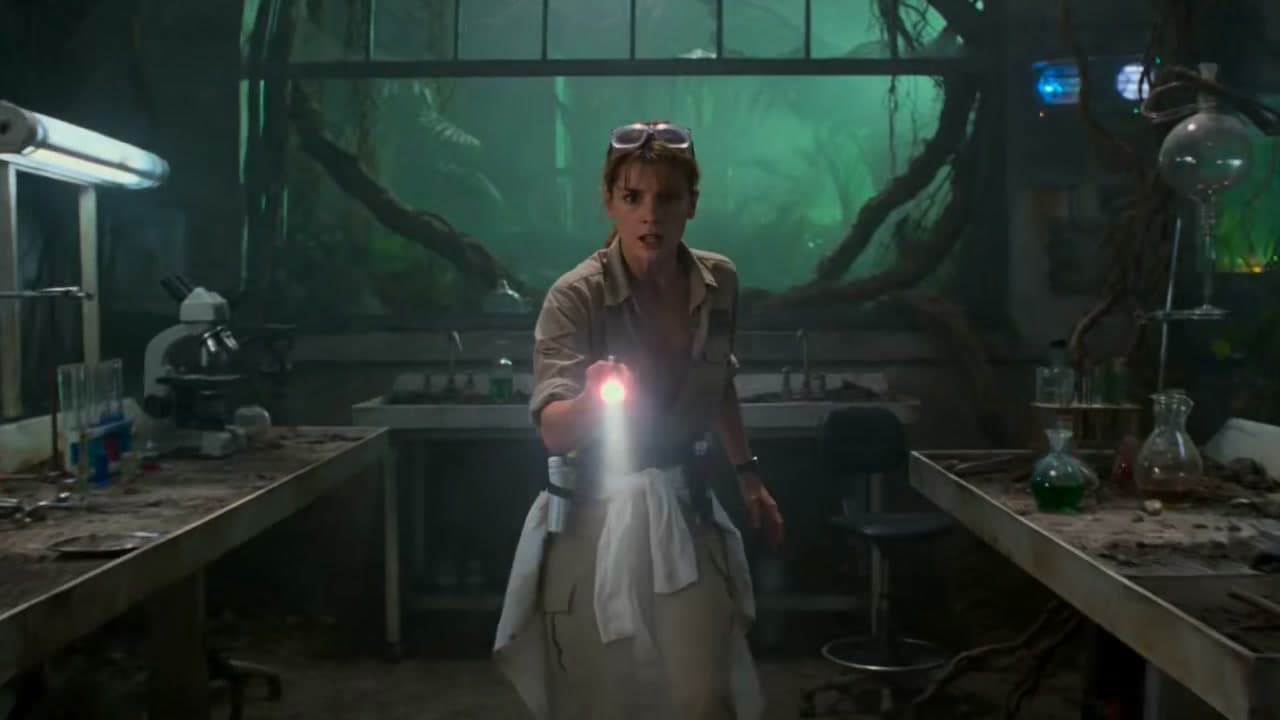
Kling 4.0 Prompt Guide: Direct Better Video Scenes
Write clearer Kling 4.0 video prompts with subject, action, camera and sound directions. Adapt examples to the duration and settings you select.
A useful video prompt gives the generator a subject, action, setting and camera plan. Start in the homepage generator, then adjust the duration and aspect ratio to fit your scene.
Build a prompt in four parts
- Subject: name the person, product or object and describe the details that matter.
- Action: specify one clear motion and how it develops.
- Camera: set framing, movement and point of view.
- Look and sound: add lighting, color and any audio instructions only when audio is enabled.
A reference image can guide appearance. The homepage accepts up to three images; it does not yet offer a Key Frames editor.
Example prompts
Portrait: “A ceramic artist turns a freshly glazed bowl under soft window light. Slow close-up dolly, shallow depth of field, natural studio ambience.”
Product: “A compact camera rotates on a dark plinth while a narrow rim light reveals its metal texture. One continuous orbit, clean background, no text overlays.”
Vertical social clip: “A cyclist stops beside a flower market at sunrise. Handheld eye-level camera follows the turn, warm natural light, 9:16 composition.”
Match the selected settings
Kling 4.0 currently offers 5–30 seconds at 720p or 1080p, and a separate 4K option for 4–15 seconds. Flash offers 5–15 seconds at 720p. Keep the planned action within the selected duration. When a result needs revision, change one instruction at a time and review the credit quote before another run.
Gallery clips are for creative inspiration; their original model sources have not been verified. See the complete guide for the current controls and credit rules.
Author

More Posts
%25202%2Fthumtail2.jpg&w=3840&q=75 "Kling 3.0 Omni vs Kling 3.0: What Is the Difference?")
Kling 3.0 Omni vs Kling 3.0: What Is the Difference?
Compare Kling 3.0 Omni and Kling 3.0 by inputs, references, multi-shot control, audio, workflow, and the projects each version fits best.

Kling 4.0 vs Seedance 2.5: How to Compare Video Workflows
A practical comparison checklist for video duration, resolution, references, audio and pricing. Avoid unsupported quality claims.
%25202%2Fthumtail3.jpg&w=3840&q=75 "Kling 3.0 Omni Prompt Guide: References and Multi-Shot Templates")
Kling 3.0 Omni Prompt Guide: References and Multi-Shot Templates
Write better Kling 3.0 Omni prompts with practical structures for text, characters, Elements, feature video, first and last frames, and multi-shot scenes.
Newsletter
Join the community
Subscribe to our newsletter for the latest news and updates